
What the Webflow CMS is
The Webflow CMS is a structured content management system built into the Webflow platform. It allows a site to have dynamic content, meaning pages generated from a template and populated with content from a central database, rather than every page being built individually. Blog posts, team members, service entries, project case studies, locations and FAQs can all be managed through the CMS.
How it works
A studio creates a collection, which is the content type, and defines the fields for that collection: a name, a description, an image, a date, a category and whatever else each item needs. The CMS template page is designed once and applied automatically to every item in the collection. When a new blog post is added, it appears with the correct layout automatically.
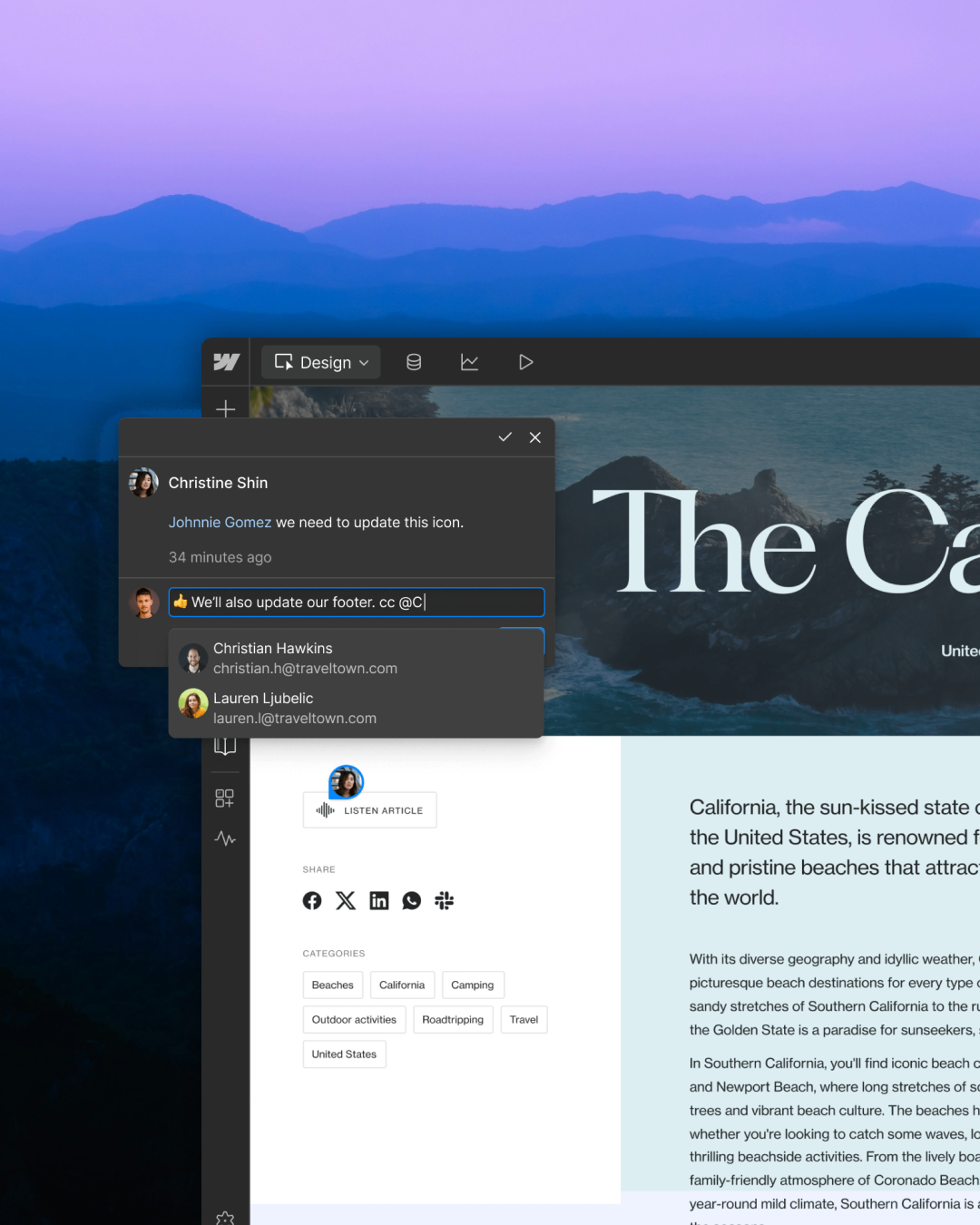
Client teams add and edit content through the Webflow Editor, a simplified interface designed for non-technical users. The Editor shows the live site with an overlay for adding and editing content. Text, images, CMS entries and basic page additions are all manageable here without touching the design layer or any code.
What non-technical users can do
Add new blog posts, news articles or any other CMS item type. Edit existing text and images on any page that uses editable content fields. Update pricing, team member details or service descriptions where these are driven by CMS fields. Add new pages that use an existing template. Publish changes directly from the Editor.
What requires developer or designer access
Adding new sections to an existing page that are not already part of the template. Changing the layout of a page. Creating a new CMS collection type. Modifying how existing sections look or behave. Adding new integrations. Any change that involves the design layer rather than the content layer.
This distinction is important. A business that understands the difference between content management and design modification will have realistic expectations about what its team can do independently after handover.
How it differs from WordPress
WordPress's CMS is also structured but the editing experience is more fragmented. Page builders in WordPress add their own layer over the core CMS. Plugin updates can change the editing interface. The line between content and design is blurrier, which means non-technical users can accidentally affect things they were not trying to change. Webflow's separation of the Editor and the Designer keeps that boundary clearer.
Frequently asked questions
How many CMS items can a Webflow site have?
The CMS item limit depends on the Webflow hosting plan. The CMS plan allows up to 2,000 items. The Business plan allows up to 10,000. For most business sites, the CMS plan is more than sufficient.
Can I import content into the Webflow CMS?
Yes. Webflow allows CSV import for CMS collections. This is useful for populating a large CMS quickly, migrating content from another platform or bulk-updating existing items. The import process requires the CSV field structure to match the collection's field definitions.
Can multiple people edit the CMS at the same time?
Multiple users can have Editor access and update content. Webflow does not have real-time collaborative editing in the same way as Google Docs, so two people editing the same item simultaneously can cause conflicts. For most business content teams this is not a practical problem.
What happens to CMS content if I leave Webflow?
CMS content can be exported as a CSV from the Webflow dashboard. If a business needs to migrate to another platform, the content is accessible. The design and templates would need to be rebuilt on the new platform. This is a practical consideration for businesses concerned about platform dependency.